 Raisedash
Let drivers practice your fleet apps before day one.
Record a walkthrough of your ELD or fleet app. Raisedash turns it into an interactive phone-based exercise where drivers practice each step and get help when they make a mistake.
Practice simulation
Daily log
Mission · Start your day
0:42Tap ON to go on duty.
The problem
Let drivers practice without touching the live system
Drivers learn faster when they can repeat a workflow without affecting real logs, loads, or records.
New drivers may need to learn an ELD, dispatch app, inspection workflow, and document process at the same time. A demonstration shows where to tap, but it does not give every driver a chance to practice.
When practice happens in the live system, a wrong tap can create a log error, delay a load, or require an administrator to clean up the record. Drivers may also avoid asking for another demonstration because they do not want to slow the group down.
Raisedash gives each driver a safe practice version on their phone. They can repeat the workflow, receive guidance after a wrong tap, and finish orientation already familiar with the tools they will use on the job.
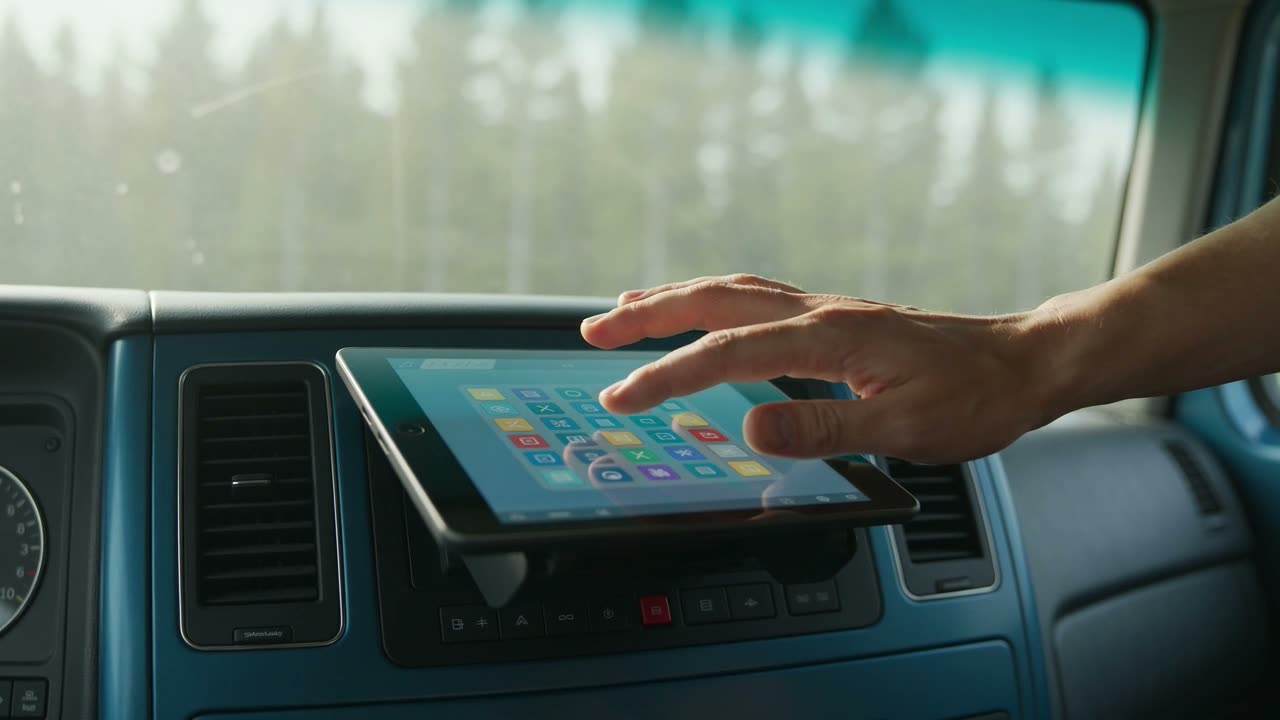
Drivers can practice logs, status changes, certifications, and malfunction flows before using the live device.
How it works
One recording becomes a practice replica
- 1
Record a walkthrough once
Screen-record the app while narrating what you're doing and why. That one video is the entire authoring effort.
- 2
Raisedash builds the practice version
The recording becomes an interactive version with the same screens, order, and required actions.
- 3
It's tested before drivers see it
Automated checks complete the full walkthrough and test incorrect taps before the simulation can be published.
- 4
Drivers practice on their phones
Drivers tap buttons, enter information, and move through realistic wait states. A hint is always available.
- 5
Completion requires the full flow
The content is marked complete only after the driver finishes every step in the workflow.
Clear scope
This is not a driving simulator
These simulations teach software and operational workflows. They do not replace hands-on vehicle training.
In-cab technology
- ELD status changes and log certification
- DVIR and inspection-mode screens
- Malfunction and data-transfer flows
- The screens an officer asks a driver to pull up
Company workflows
- Fuel card and receipt-capture apps
- Document scanning and load paperwork
- Load acceptance in your dispatch app
- Anything you can record, drivers can practice
Built in
Practice that behaves like a patient trainer
Create it from one recording
Record and narrate a walkthrough. No separate authoring tool is required.
A real replica, not a slideshow
Live tap targets and typed fields, not screenshots with arrows.
Mistap coaching
Wrong taps show a coaching message and let the driver try again.
Hints on demand
A driver who's stuck gets a nudge, not a dead end.
Runs in the phone browser
Drivers practice in the same phone browser they already use for training.
Sandboxed and safe
Practice cannot change your live systems, logs, or company data.
Auto-tested before publish
Automated checks verify correct and incorrect taps before publishing.
Completion is the walkthrough
No skip button. Finishing the practice is what completes the content.
Repeatable practice
Give every driver time to practice
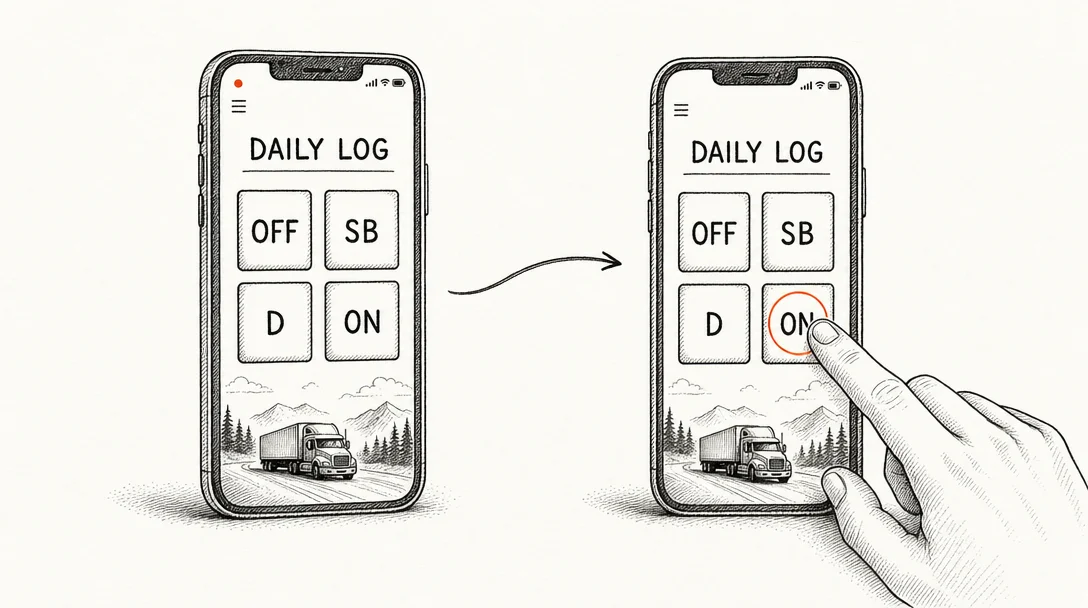
A demonstration shows the workflow once. A simulation lets each driver repeat it at their own pace and get help whenever they choose the wrong step.
Simulations run in the same phone browser as the rest of Raisedash training. Drivers sign in with a one-time code and do not need to install an app. Sending a driver back through the ELD practice takes a link instead of another meeting. Completion is recorded like any other training activity.
FAQ
Interactive simulation questions
What is an interactive training simulation?
It is a tap-through practice version of a real app or workflow. Drivers practice the screens and steps on their own phones and receive coaching when they tap the wrong item. Your team creates one by recording a narrated walkthrough of the app.
Is this a truck driving simulator?
No. It does not teach steering or backing. It provides browser-based practice for the software drivers use, including ELDs, fleet apps, and dispatch workflows. There is nothing to install.
How do we create one?
Record a screen walkthrough of the app while narrating, upload it, and compiling typically takes about 10–15 minutes. There is no storyboarding and no authoring tool to learn.
What happens when a driver taps the wrong thing?
The wrong element shakes, a coaching message explains what to look for, and the step does not advance. A hint is always one tap away. It behaves like a patient trainer, not a quiz.
Can a broken simulation reach drivers?
No. Automated checks verify the complete walkthrough, including correct and incorrect taps, before the simulation can be published.
What counts as completing a simulation?
Walking the real flow to the end on their own phone. There is no skip; completion only fires when the practice is actually finished, and it is recorded like any other training completion.
Explore the generators
Four ways Raisedash generates training
AI training video generator
Describe a topic and get a finished, narrated training video.
Learn moreAI training program builder
A brief becomes a full training program you review and approve.
Learn moreAI voice roleplay
Drivers practice real conversations out loud and get scored.
Learn moreEverything generated here is assigned, tracked, and recorded like any other Raisedash training. See training evidence and driver experience.