 Raisedash
Turn a training topic into a finished video.
Enter what drivers need to learn. Raisedash creates the script, narration, visuals, and captions. Your team reviews and edits the draft before assigning it.
New training video
ExplainerBrief
Explain winter braking on ice for regional van drivers
The problem
Create fleet-specific videos without a production crew
Turn your policies and operating knowledge into clear training while the topic is still relevant.
Your fleet has specific equipment, policies, and procedures. Generic library videos rarely explain them the way your drivers need.
Filming and editing a custom video takes time that most safety teams do not have. The usual fallback is a generic video that drivers have already seen or that does not match the fleet's actual process.
With Raisedash, you describe the lesson and receive a complete draft to review. You can create useful training for a new policy, a recent incident, or an upcoming orientation without organizing a shoot.
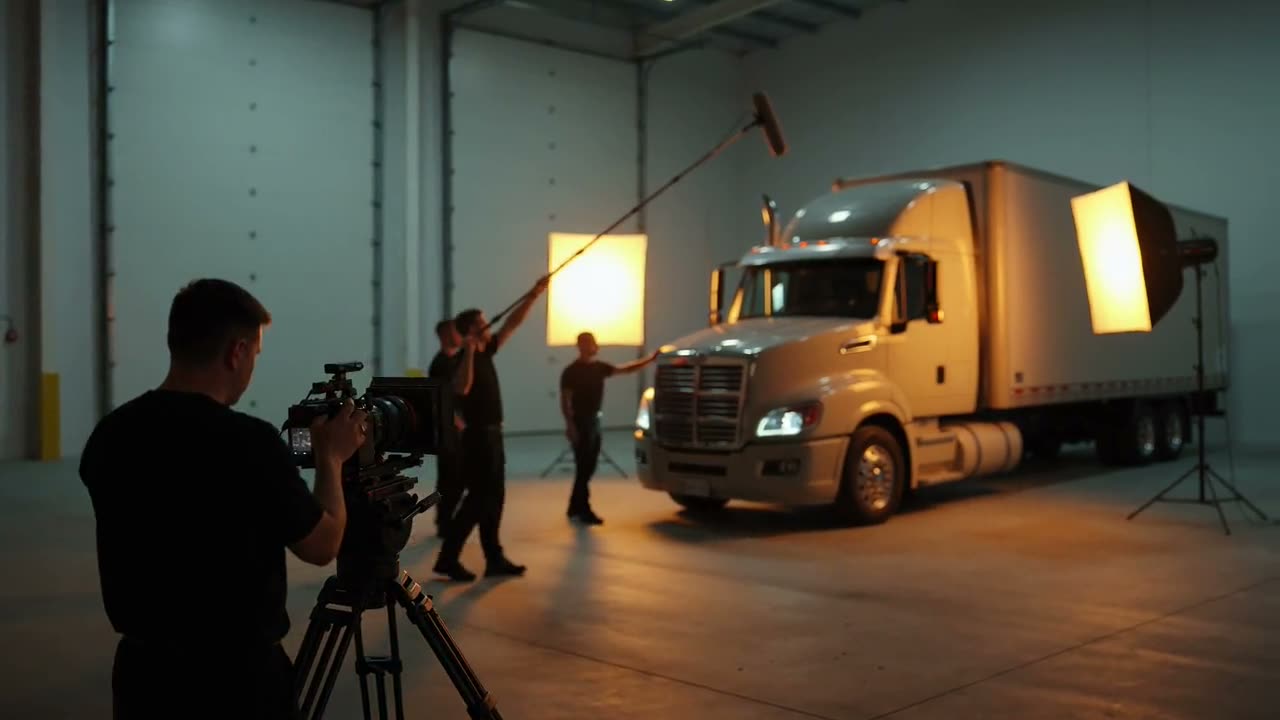
The traditional way: a crew, a set, a schedule, an invoice.
How it works
From a sentence to a finished video
Four clear steps take you from an idea to a reviewed training video.
- 1
Describe the video
Enter the topic, audience, and key points in plain language. Raisedash can ask a few optional questions to clarify the brief.
- 2
Review the refined brief
The brief is rewritten into a clear production brief you can edit before anything is generated.
- 3
Let Raisedash build the draft
Raisedash creates the script, narration, visuals, captions, and music in the background.
- 4
Review, edit, and use it
Play the draft, make changes, then download it or add it directly to a training module.
See a result
A video generated by Raisedash, unedited
This sample shows the draft Video Studio produced from a two-sentence brief.
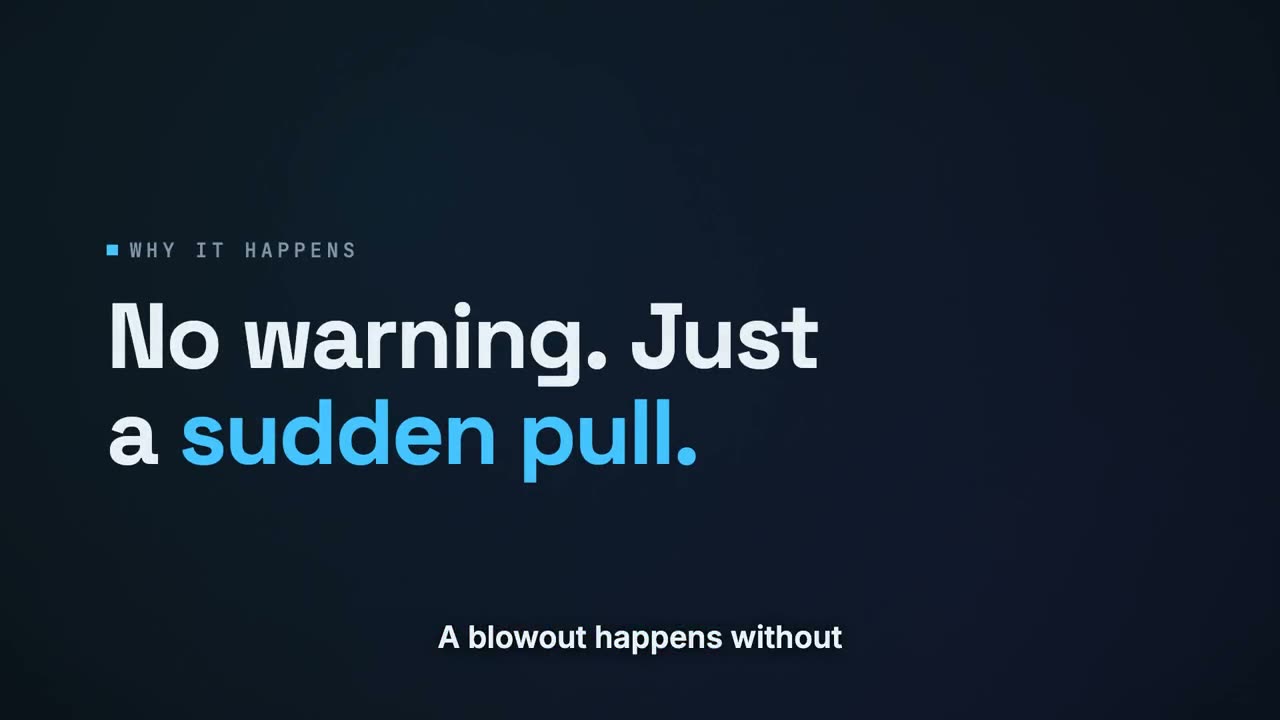
Video Studio created the script, narration, visuals, captions, and pacing from a two-sentence brief about responding to a steer-tire blowout.
Two speeds
Two kinds of video, one brief
Pick the format that fits the moment: a designed lesson, or a fast narrated cut.
Designed to teach
Explainer
- A structured lesson designed from learning objectives
- Custom AI-drawn visuals for your exact topic
- Word-synced captions, music, and sound design
- Vertical and landscape from the same brief
- Ready in 10–45 minutes
Built for speed
Montage
- A narrated cut from a library of hundreds of real trucking shots
- Footage matched scene-by-scene to your script
- Swap any scene's footage with one click
- Rewrite a line and re-render in seconds
- Ready in about a minute
Built in
The details that make it usable
Brief coach
Optional questions help turn a rough idea into a clear brief before generation.
Editable production brief
See what Raisedash will create and edit the plan before generation starts.
Real trucking footage
Montage videos match each line of narration with trucking footage and photos.
Word-synced captions
Burned-in captions timed to the narration, made for phones with the sound off.
Vertical + landscape
Create phone-friendly and landscape versions from the same brief.
Scene-by-scene editing
Swap footage, rewrite narration, reorder scenes, and render a new version.
Draft mode
Test and refine a brief with a fast preview before creating the final version.
Add to any training
Place finished videos in modules with completion tracking and records.
Part of the platform
From a sentence to a finished lesson
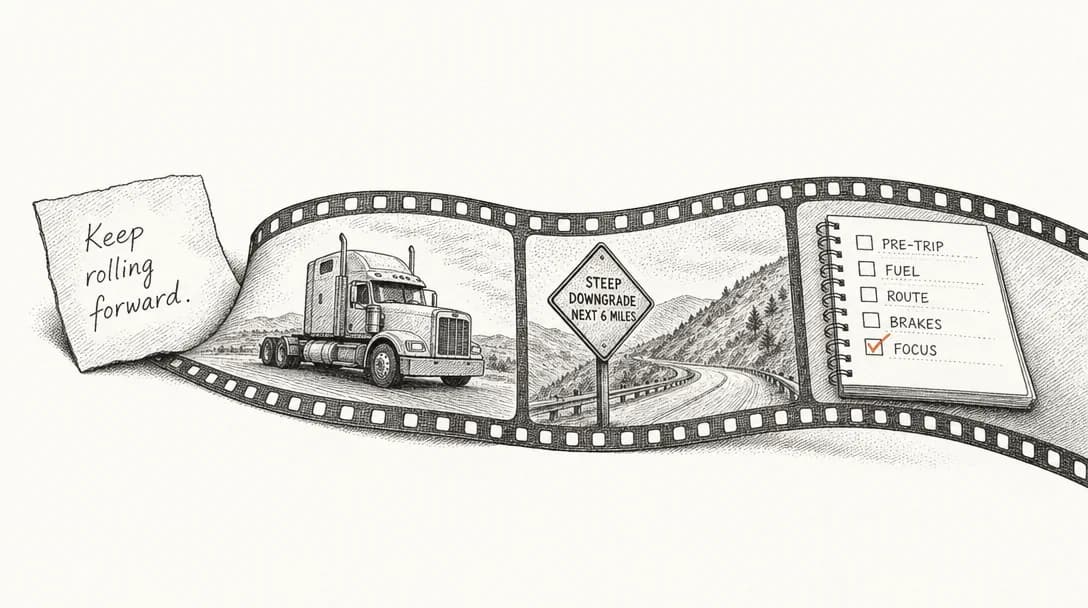
Every generated video is a normal Raisedash training asset. Attach it to a module, assign it before orientation day, and completion lands in the driver's training history with the same records and certificates as other Raisedash content.
The video is the content. The training evidence layer records who watched it, when they completed it, and how they scored on the related quiz.
FAQ
AI training video questions
What is an AI training video generator?
It turns a written topic or policy into a narrated training video with a script, voiceover, visuals, and captions. In Raisedash, you enter a brief and review the finished draft before drivers see it.
How long does it take to generate a training video?
Montage videos made from trucking footage are usually ready in about a minute once generation starts. Designed explainer lessons with custom visuals take 10 to 45 minutes. Both generate in the background while you continue working.
Can I edit the video after it's generated?
Yes. For montage videos, you can swap footage, rewrite narration or on-screen text, and reorder or delete scenes. Explainer videos are regenerated after you update the brief.
Where do the visuals come from?
Two places. Montage videos are cut from a library of hundreds of real trucking-context clips and photos, matched to each line of your script. Explainer videos use custom illustrations generated for your exact topic, plus captions, music, and sound design.
Do generated videos work with our training records?
Yes. Add a generated video to any training module. Drivers can watch it on their phones, completion is tracked, and the activity appears in each driver's training history.
Is this just an avatar reading a script?
No. There are no talking-head avatars. Explainer videos are motion-graphic lessons built from learning objectives; montage videos are narrated cuts of real trucking footage. Both are designed for drivers to actually learn from, not to look like a newscast.
Explore the generators
Four ways Raisedash generates training
AI training program builder
A brief becomes a full training program you review and approve.
Learn moreAI voice roleplay
Drivers practice real conversations out loud and get scored.
Learn moreInteractive simulations
Tap-through practice replicas of the apps drivers must use.
Learn moreEverything generated here is assigned, tracked, and recorded like any other Raisedash training. See training evidence and driver experience.