 Raisedash
Driver Training Record Template for Trucking Fleets
Download a practical driver training record template and learn which fields help a trucking fleet track assignments, results, follow-up, and completion.

A driver training record should answer a few basic questions without forcing the safety team to rebuild the story: what was assigned, who completed it, when it happened, how the driver did, and whether any follow-up remained open.
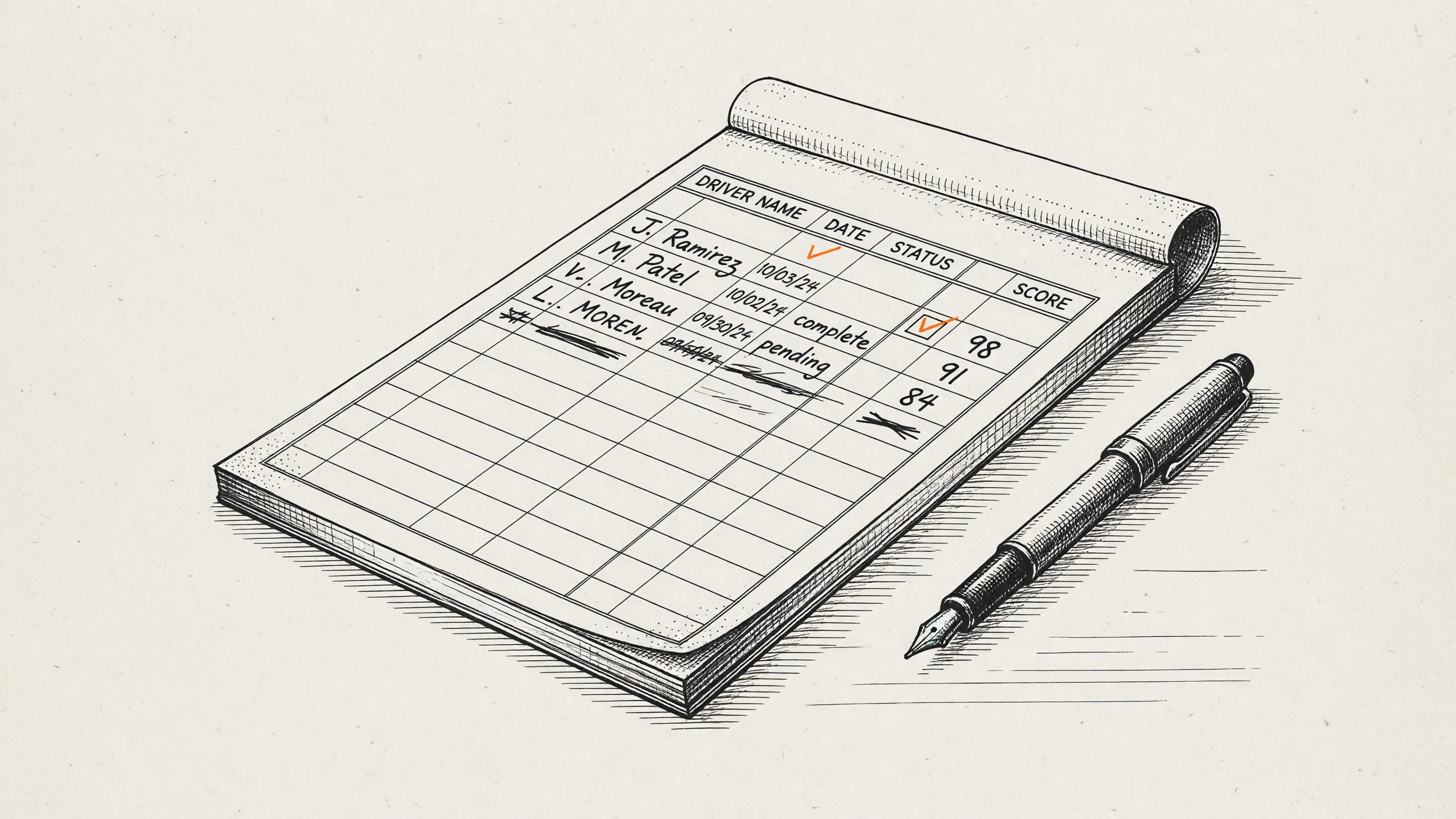
Download the driver training record template (CSV). It opens in Excel, Google Sheets, Numbers, and most training or data tools.
The file is a practical starting point, not a universal compliance form. Keep every regulated record in the format, system, retention period, and access control required for your operation. Ask your safety or legal team to review the final structure.
Fields Included in the Template
| Field | What it helps you answer |
|---|---|
| Driver name | Who completed the work? |
| Employee or driver ID | Which internal record does it belong to? |
| Training title | What assignment or program was completed? |
| Training topic | How should the record be grouped or reported? |
| Content version or reference | Which material was intended to be used? |
| Assigned date | When did the fleet issue the training? |
| Completion date | When did the driver finish it? |
| Completion status | Is the work not started, in progress, complete, or overdue? |
| Quiz score | What result was recorded, when a quiz applies? |
| Certificate or record ID | Is there another artifact tied to the row? |
| Trainer or reviewer | Who delivered, observed, or reviewed the work? |
| Follow-up required | Did the result create another action? |
| Follow-up completion date | Was that action closed? |
| Notes | What exception or context should an authorized reviewer know? |
Not every training event needs every field. Keep the structure consistent, then define which columns are required for each type of work.
How to Use the Driver Training Record Template
1. Define the event you are recording
Do not put several different activities into one vague row called “orientation.” Separate assignments when their owner, completion method, result, or follow-up is different.
For example:
- Company orientation module.
- Customer-specific procedure.
- Hazards or equipment lesson.
- Quiz or knowledge check.
- Hands-on demonstration.
- Road-test or skills evaluation stored in the fleet's approved system.
- Corrective or remedial training.
The template can point to another controlled record without trying to copy sensitive or regulated material into a spreadsheet.
2. Use stable driver identifiers
Names change and duplicates happen. Add the employee, applicant, or driver ID used in the system of record. Avoid unnecessary sensitive information; a training log usually does not need a Social Security number, medical information, or license image.
3. Define each status
Write down what each status means so different managers do not interpret the sheet differently.
- Not started: assigned, but no recorded activity.
- In progress: activity exists, but the completion rule is not met.
- Complete: the defined completion rule is met.
- Follow-up required: the original activity is complete, but a result or observation created another action.
- Closed: required follow-up is documented as complete.
Completion should not automatically mean a driver is qualified, safe, or ready to dispatch. Those are separate decisions defined by the fleet and applicable rules.
4. Reference the material shown
If your process supports it, record a version number, policy date, file name, or other stable reference. A training title alone may not show which content the driver received after the material changes.
Be precise about the limitations of the system. Entering a version label in a spreadsheet does not create an immutable copy of the exact content, and a current assignment report is not the same as a complete version-locked evidence packet.
5. Connect results to follow-up
A score or completion date is only useful if the team knows what to do next. Define thresholds for review and give follow-up its own owner and completion date.
Examples include:
- Review a missed policy question with the driver.
- Assign a shorter refresher lesson.
- Schedule hands-on practice.
- Ask a qualified manager to observe a task.
- Escalate the issue through the fleet's corrective-action process.
Do not overwrite the original result when follow-up occurs. Preserve both the first event and the response.
Spreadsheet Controls That Prevent Common Problems
If the template remains a spreadsheet, add a few basic controls:
- Restrict editing to authorized people.
- Use dropdowns for status, topic, and yes/no fields.
- Protect column names and formula cells.
- Store dates in one format.
- Keep driver IDs consistent with the system of record.
- Add a change log or use a platform with version history.
- Back up the file according to company policy.
- Do not email uncontrolled copies containing sensitive information.
- Review open follow-up on a regular schedule.
- Archive or retain records according to the requirement that applies to the underlying event.
A spreadsheet can be a reasonable starting point for a small fleet. It becomes fragile when several people edit copies, reminders depend on memory, or records have to be assembled repeatedly.
What This Template Does Not Replace
This template is not a driver qualification file, drug-and-alcohol testing record, medical record, ELD record, accident register, or proof that every applicable requirement has been met. It also does not decide whether a particular training is required.
Federal training obligations are specific. For example, FMCSA's Entry-Level Driver Training rules apply to defined first-time CDL and endorsement applicants and require covered training through a registered provider. A carrier's company orientation record is not automatically an ELDT record.
Map each required record to the regulation, contract, insurer guidance, or company policy that creates it. Then confirm the system, owner, retention rule, and access control for that record.
When to Move Beyond a Spreadsheet
Consider a driver training records platform when:
- The team sends frequent assignments to several incoming drivers.
- Drivers need a simpler way to open and complete training.
- Managers spend time chasing status updates.
- Quiz attempts and results live in another tool.
- Several spreadsheet copies disagree.
- Building a per-driver report takes repeated manual work.
- Follow-up is found late or missed.
Raisedash Orientation records online training activity while the driver completes the work. The current PDF report includes a driver summary, assigned training, completion details, quiz attempts and scores, recorded activity, and certificates available in Raisedash.
See driver training records for trucking fleets or book a demo to review the current report.
Frequently Asked Questions
What should a driver training record include?
A practical record includes the driver identifier, training title, content reference, assignment and completion dates, status, result, certificate or record ID, reviewer, required follow-up, and notes. The required fields depend on the activity and rules that apply.
Can I use this template in Google Sheets or Excel?
Yes. The downloadable CSV opens in Google Sheets, Microsoft Excel, Apple Numbers, and most tools that import comma-separated files.
Is a spreadsheet enough for driver training records?
It can be a useful starting point for a small, controlled process. It becomes difficult when several people edit copies, the fleet needs automated invitations and progress, or the team regularly assembles per-driver reports.
How long should driver training records be retained?
There is no single retention period for every item someone might call a driver training record. Retention depends on the specific rule, record type, state law, contract, insurer requirement, and company policy. Confirm the applicable requirement rather than applying one blanket period.
Does a training completion record prove the driver is qualified?
No. It proves only what the record actually contains. Qualification, road-test decisions, medical status, licensing, and other carrier responsibilities require their own approved processes and records.